JOINERY
The interface is in Ukrainian for now — English is on the way.

An Atlas for your world.

Articles, maps and the links between them. You write the world for yourself and show players what they've already found out.
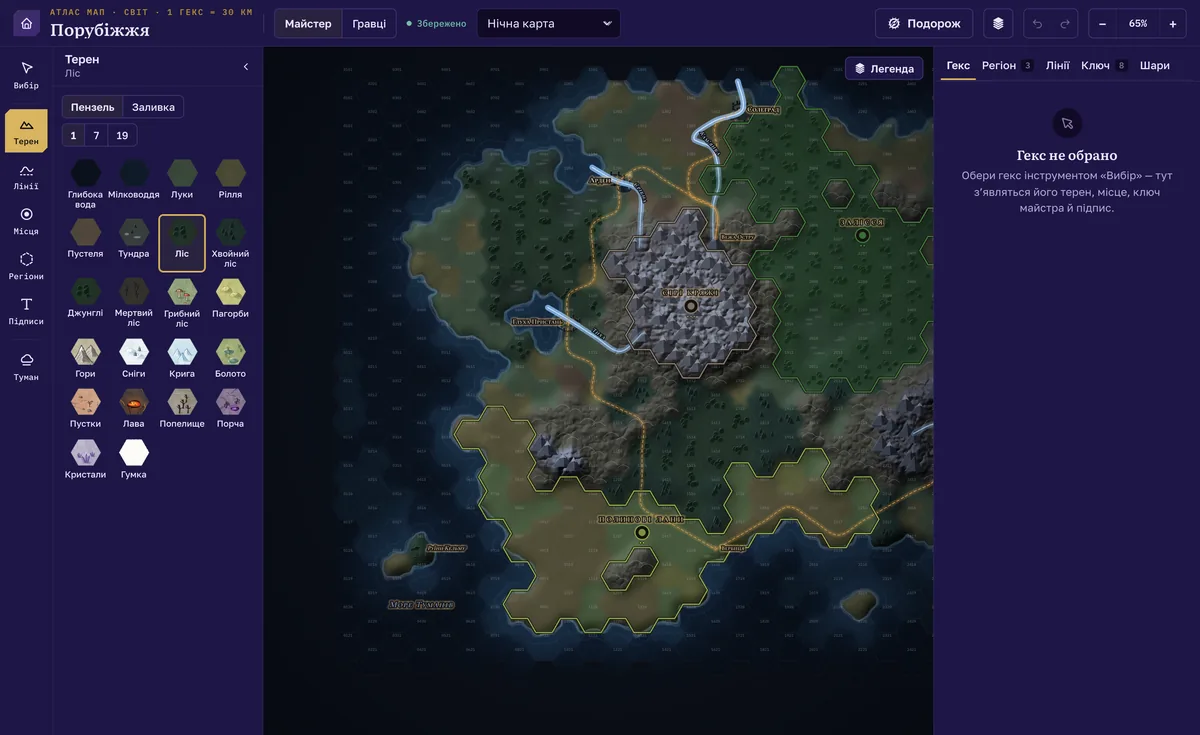
The hex map editor of the demo world: terrain palette on the left, the map in night style, Hex, Region and Lines tabs on the right (interface in Ukrainian)
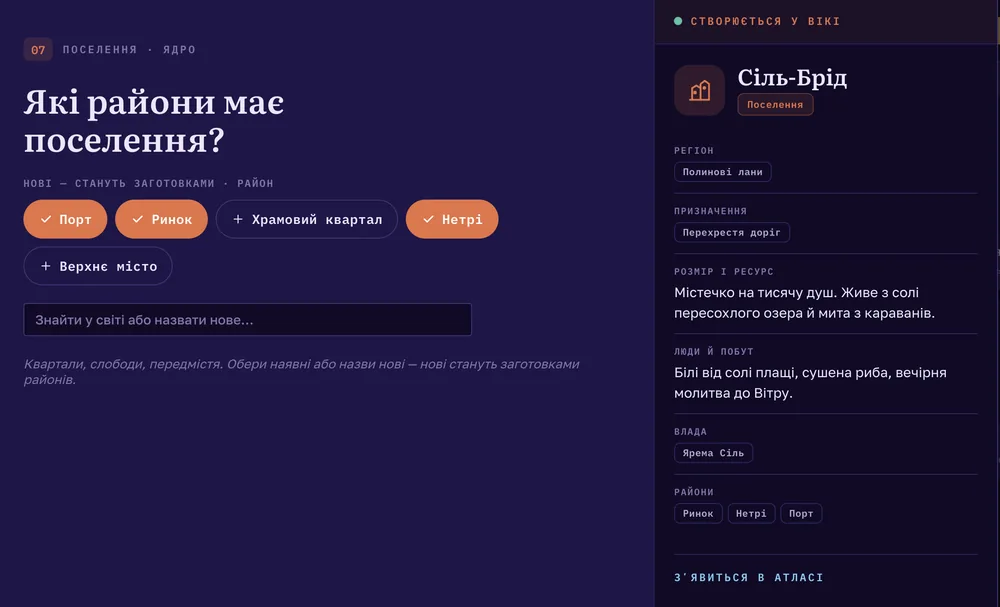
The worldbuilding wizard on the “Districts” step of the Settlement scenario: the step list on the left, the “Sil-Brid” entry that will appear in the Atlas on the right (interface in Ukrainian)
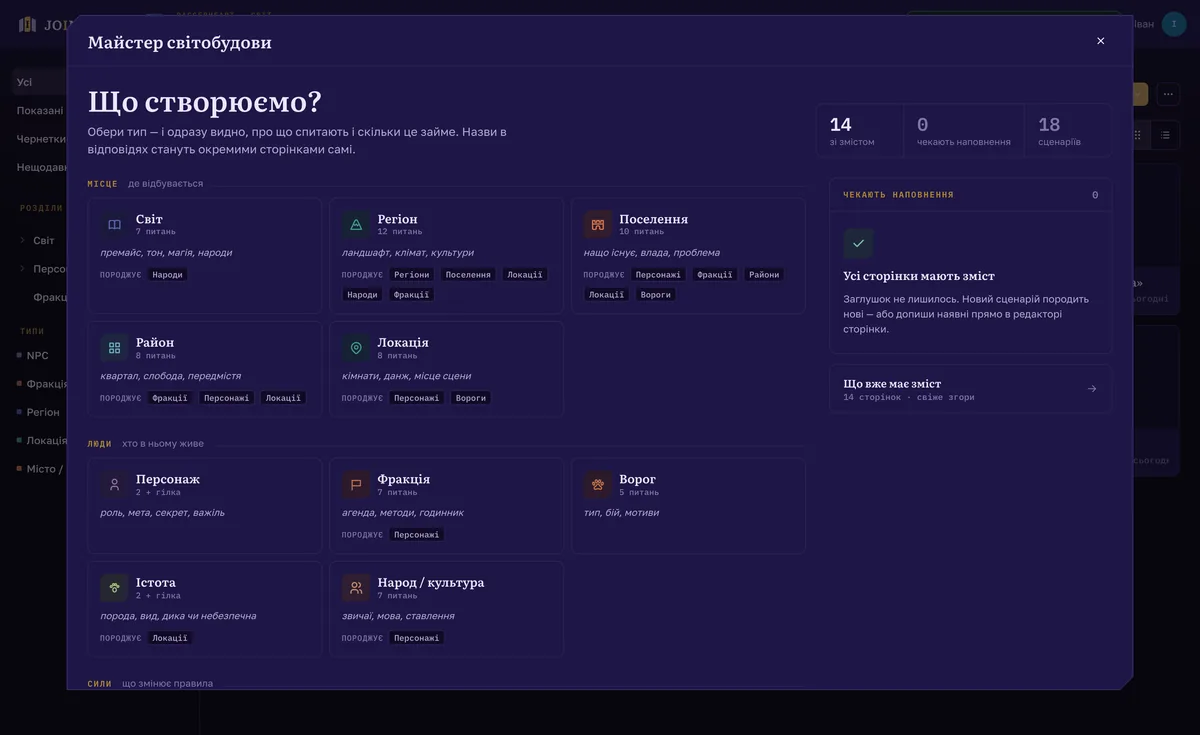
The worldbuilding wizard, “What are we creating?”: entity types — world, region, settlement, district, location, character, faction, adversary, creature, people (interface in Ukrainian)

The worldbuilding wizard.

Pick a type — world, region, town, location, character, faction, adversary, people — and answer its questions. The article takes shape on the right as you go. New names in your answers become draft pages; existing ones become links.
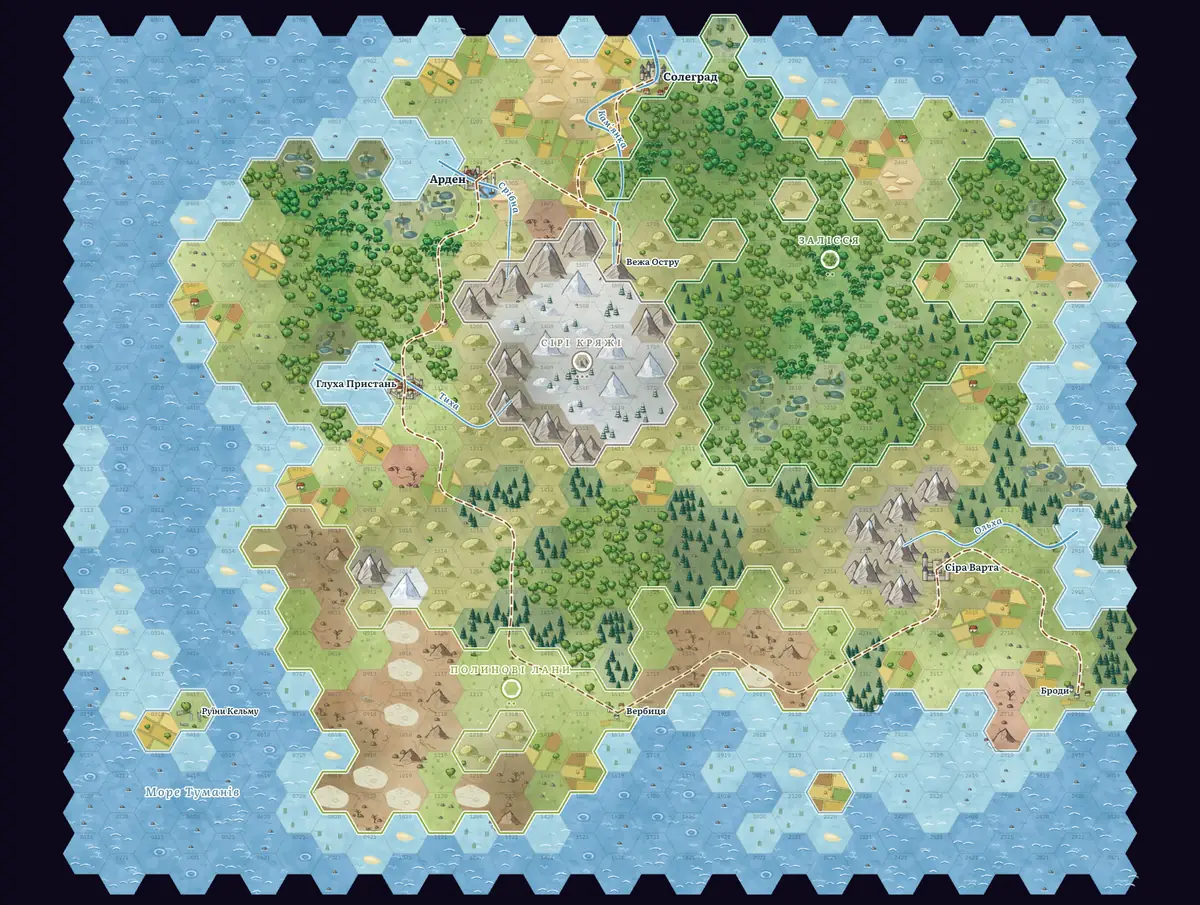
Hex map of the demo world, classic style

Hex maps.

Paint terrain with a brush or a fill, draw rivers and roads, place towns and labels. Every region on the map is an Atlas article.

Hex map of the demo world, night styleHex map of the demo world, ink styleInkNight

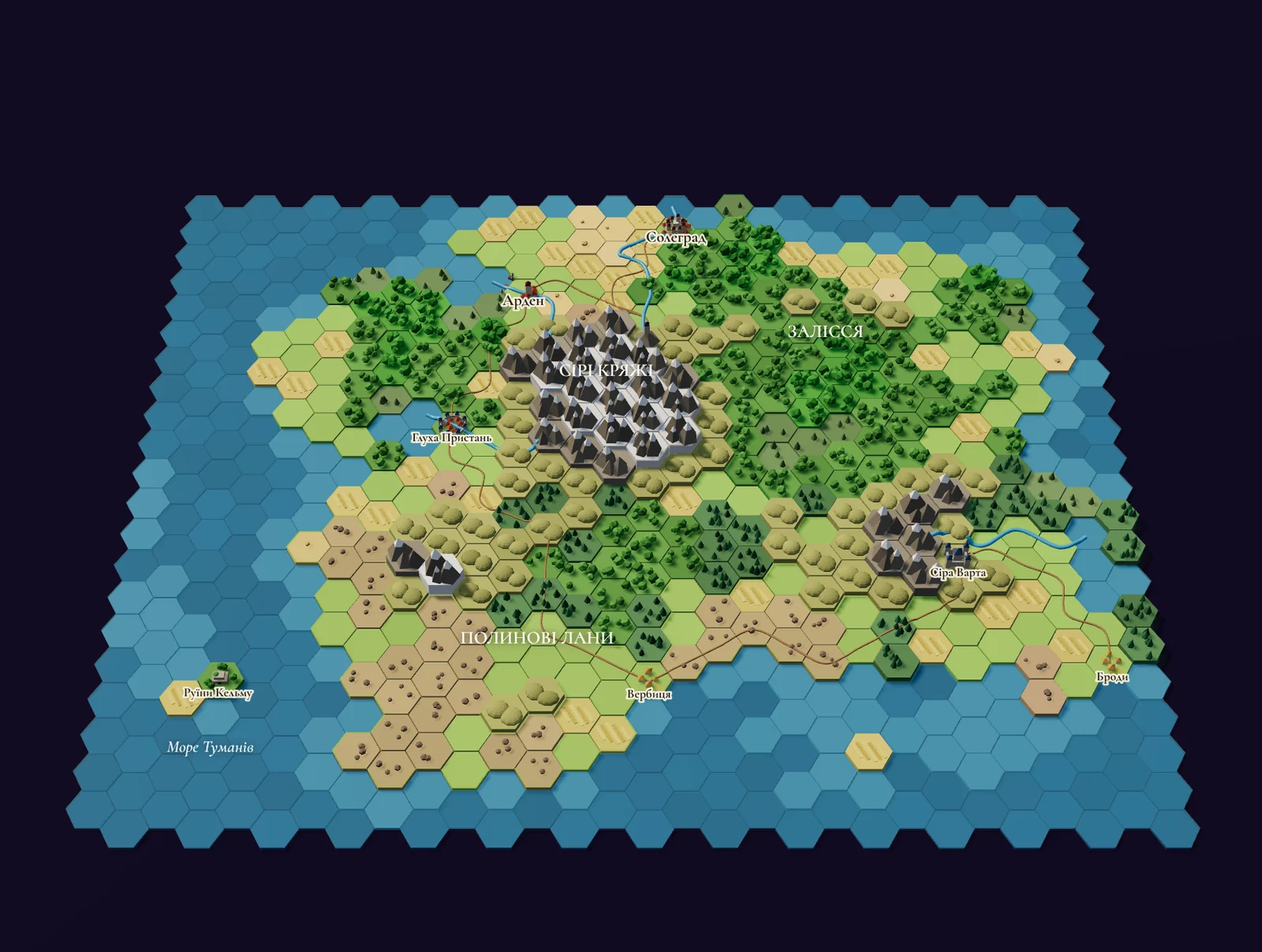
One map, five styles.

Classic, ink, watercolor, night and a 3D diorama. Switch the look whenever you like.
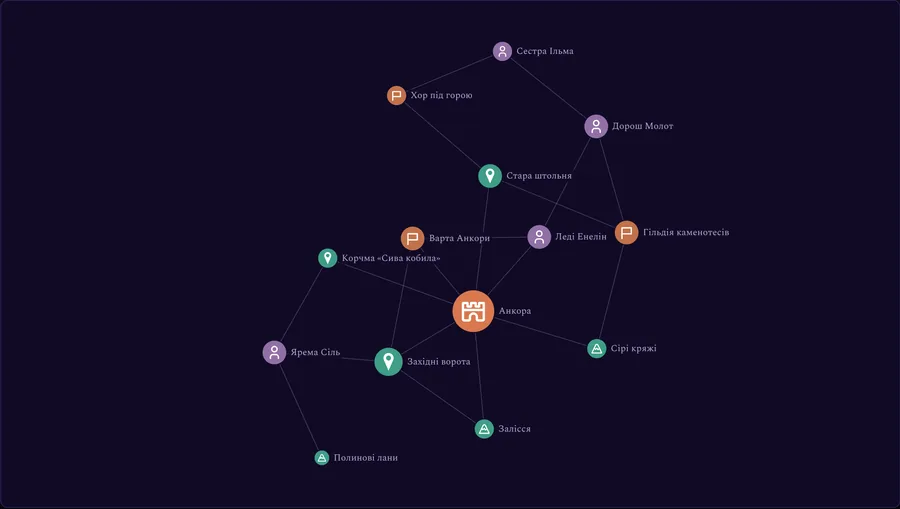
Relationship graph of the demo world: 14 entities

Connections.

Who's related to whom, who owes whom, who's at war with whom — on one chart.
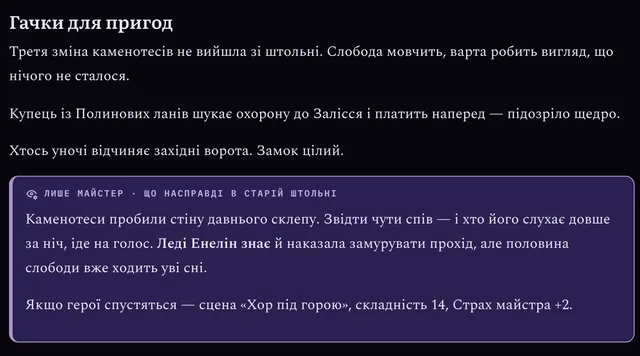
Atlas entry “Ankora” with a GM-only block under the main text
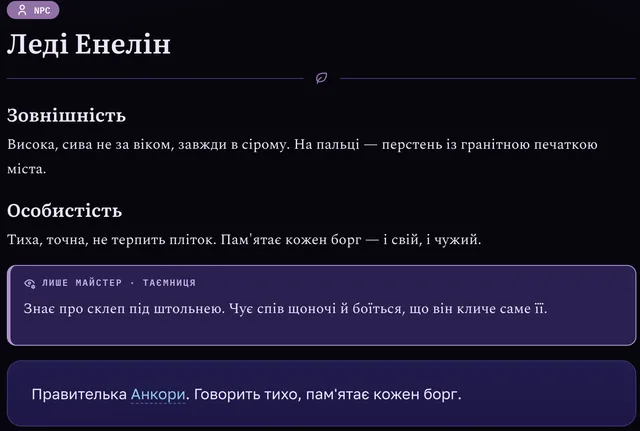
NPC page “Lady Enelin” with a GM-only block

What players see.

GM-only blocks never reach a player's device, not even in the page code. Everything else they can read between sessions.
Start with one place.

Play for free